Bedtime Timer ·
Bedtime Timer
A Windows countdown built around gentle warnings, weekly schedules, quick timers, and clear control over the final action.
A countdown with a clear ending
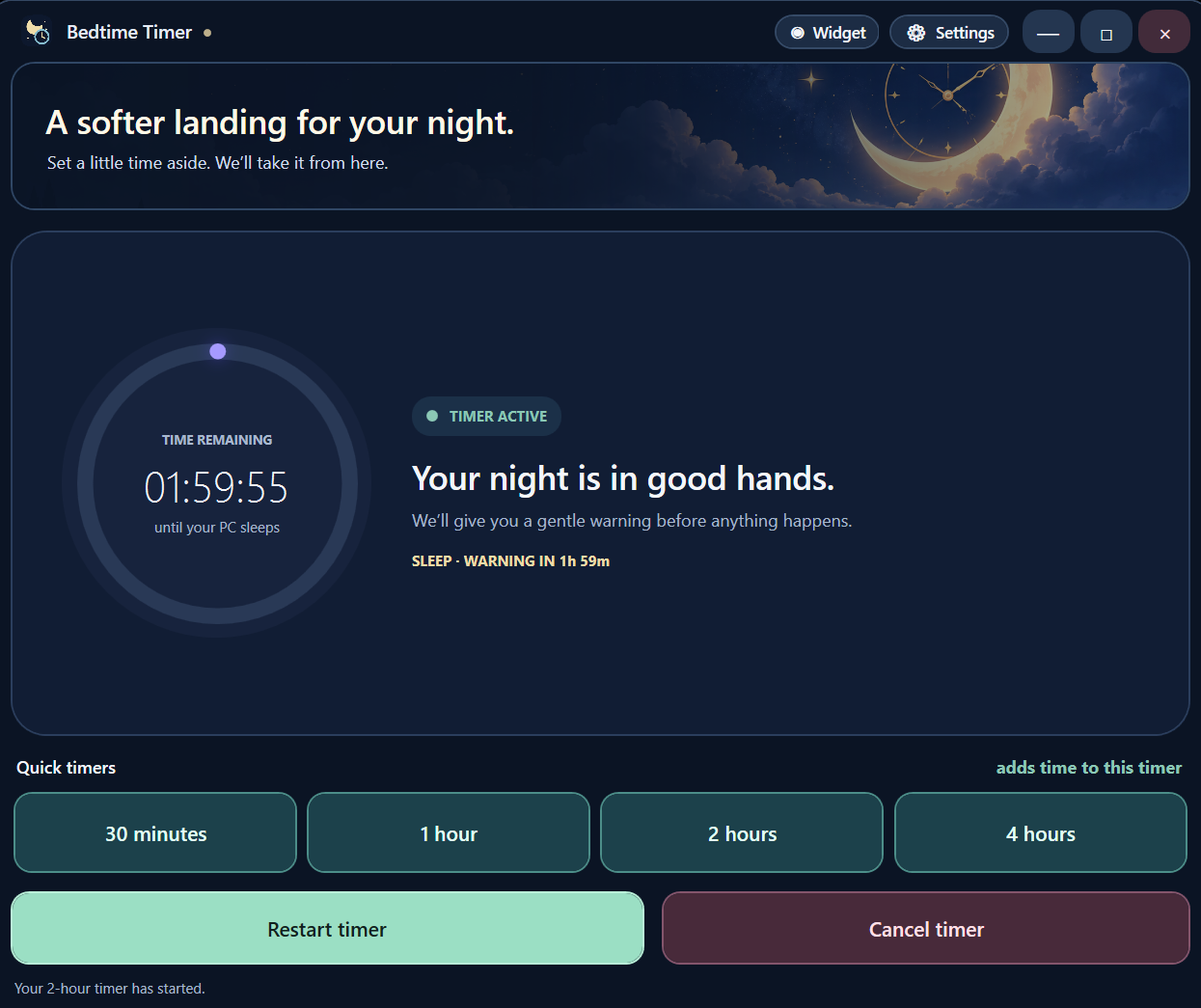
Bedtime Timer is a Windows desktop app for choosing what happens when a timer ends. Its purpose is practical: let someone finish an evening on their PC without watching a clock or losing control of the final action. The app can sleep, shut down, restart, or lock the computer. It can also close a chosen app gracefully or launch a selected program.
The timer starts from a saved duration or a 30-minute, 1-hour, 2-hour, or 4-hour quick preset. A preset can add time while a countdown is already running. Restart and cancel are visible actions, because extending or stopping a timer should be easier than hunting through settings.
Warnings before the action
An optional warning appears before the final action. The user can snooze or cancel there, or turn warnings off and allow the selected action at zero. A full-screen warning is available for a stronger reminder. Optional looping music and a gentle cue can make the transition less abrupt; local audio files can also be used.
The app stays available from the system tray. Closing the main window hides it instead of ending an active timer. An optional draggable countdown widget keeps the remaining time in view without reopening the main window. Its moonlit background changes as the timer progresses.
Weekly schedules
The Schedule tab supports repeating days and local start times. Each entry can use a supported power action and can skip directly to the warning. Schedules use the saved countdown duration, warning, and snooze settings. A missed start or a time that conflicts with an active timer is skipped rather than starting a second countdown unexpectedly.
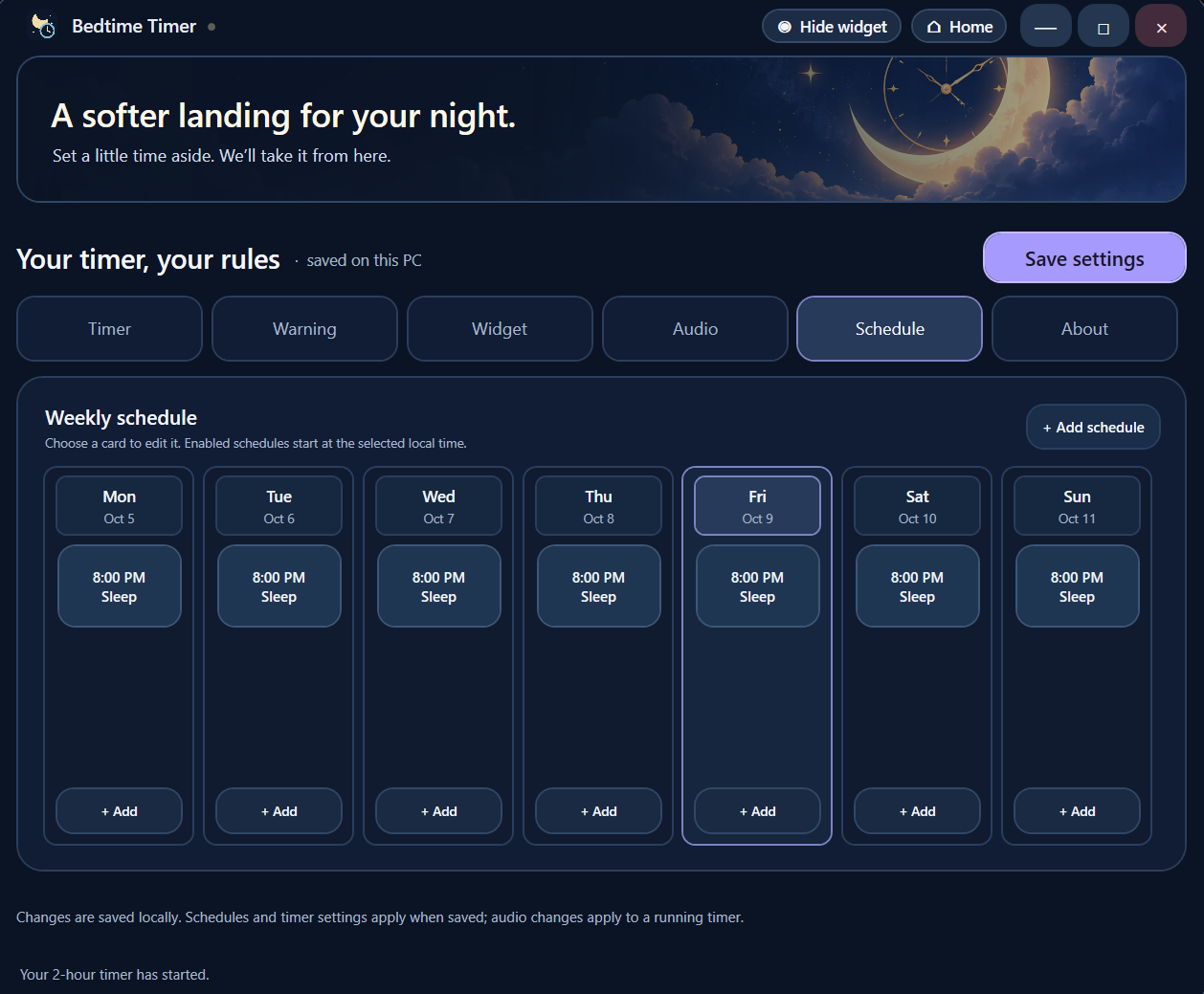
Schedules run while Bedtime Timer is open or minimized to the tray. They do not run after the app exits. Settings are stored locally and survive a reinstall, while the countdown itself only runs while the app is running. Those boundaries matter: a timer should state clearly when it can act and when it cannot.
Available now
Bedtime Timer is available in the Microsoft Store and remains free. The project page links to the current release. The screenshots here come from the app's own documentation and show the main countdown and schedule settings.